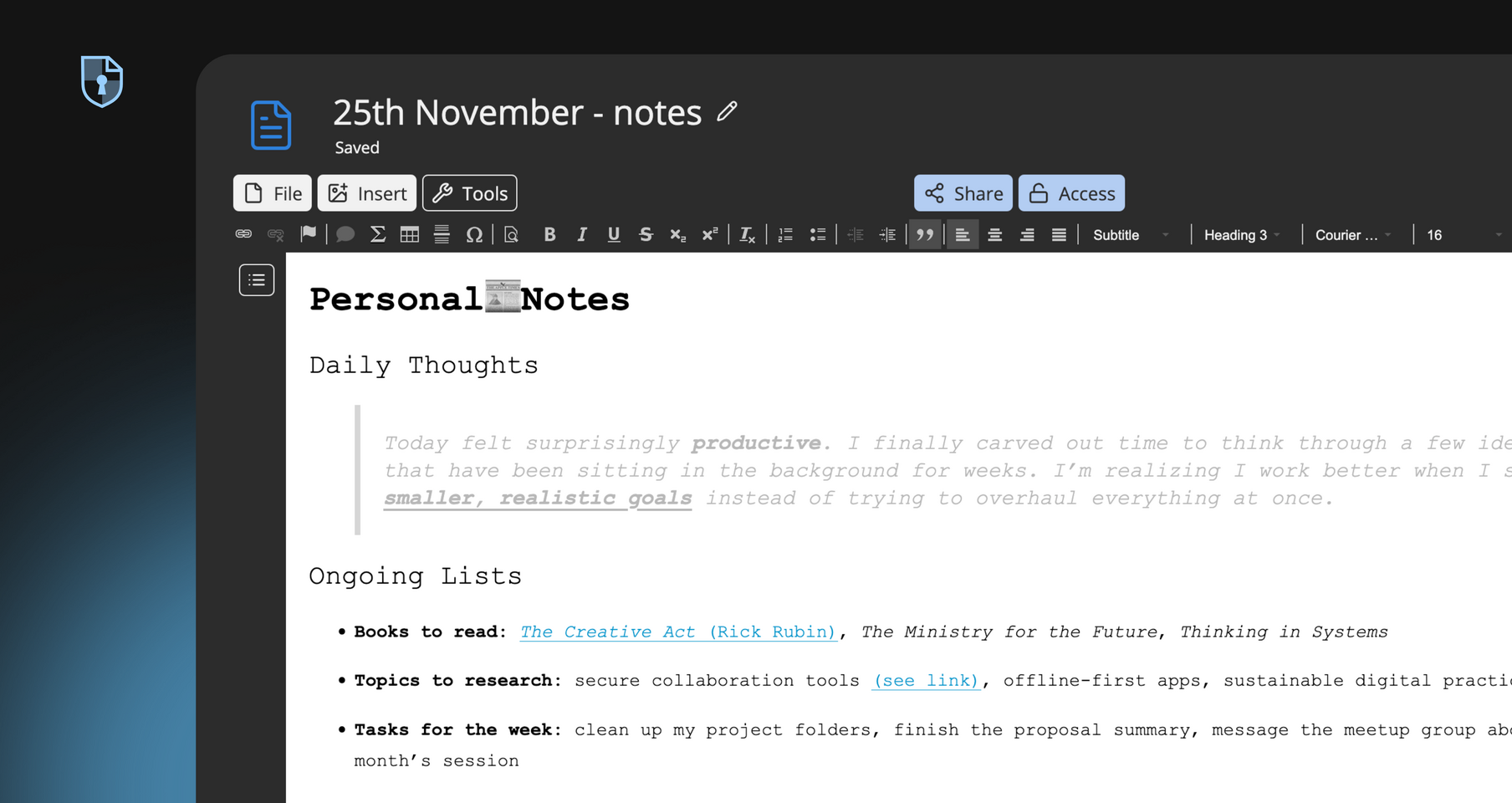
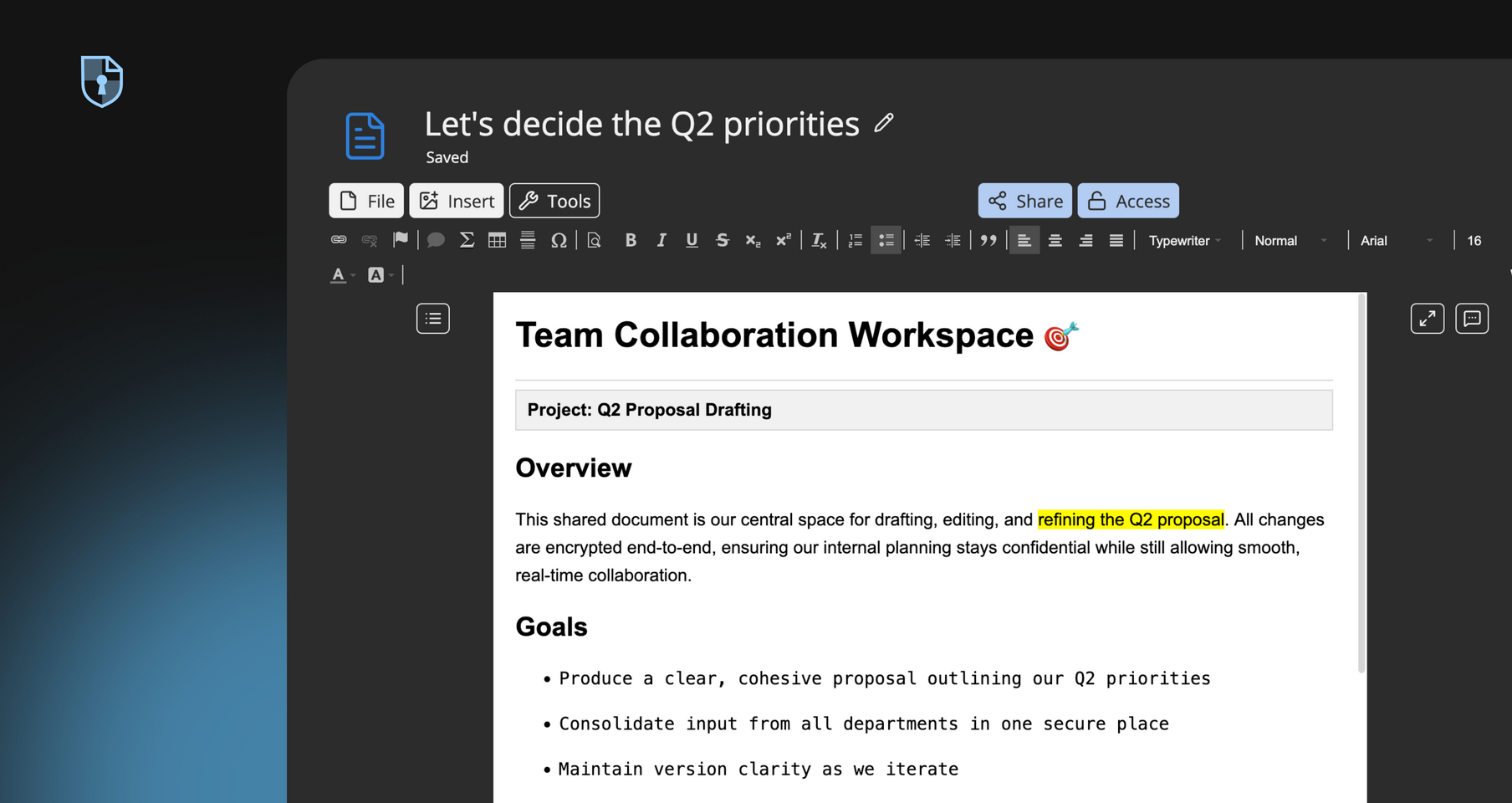
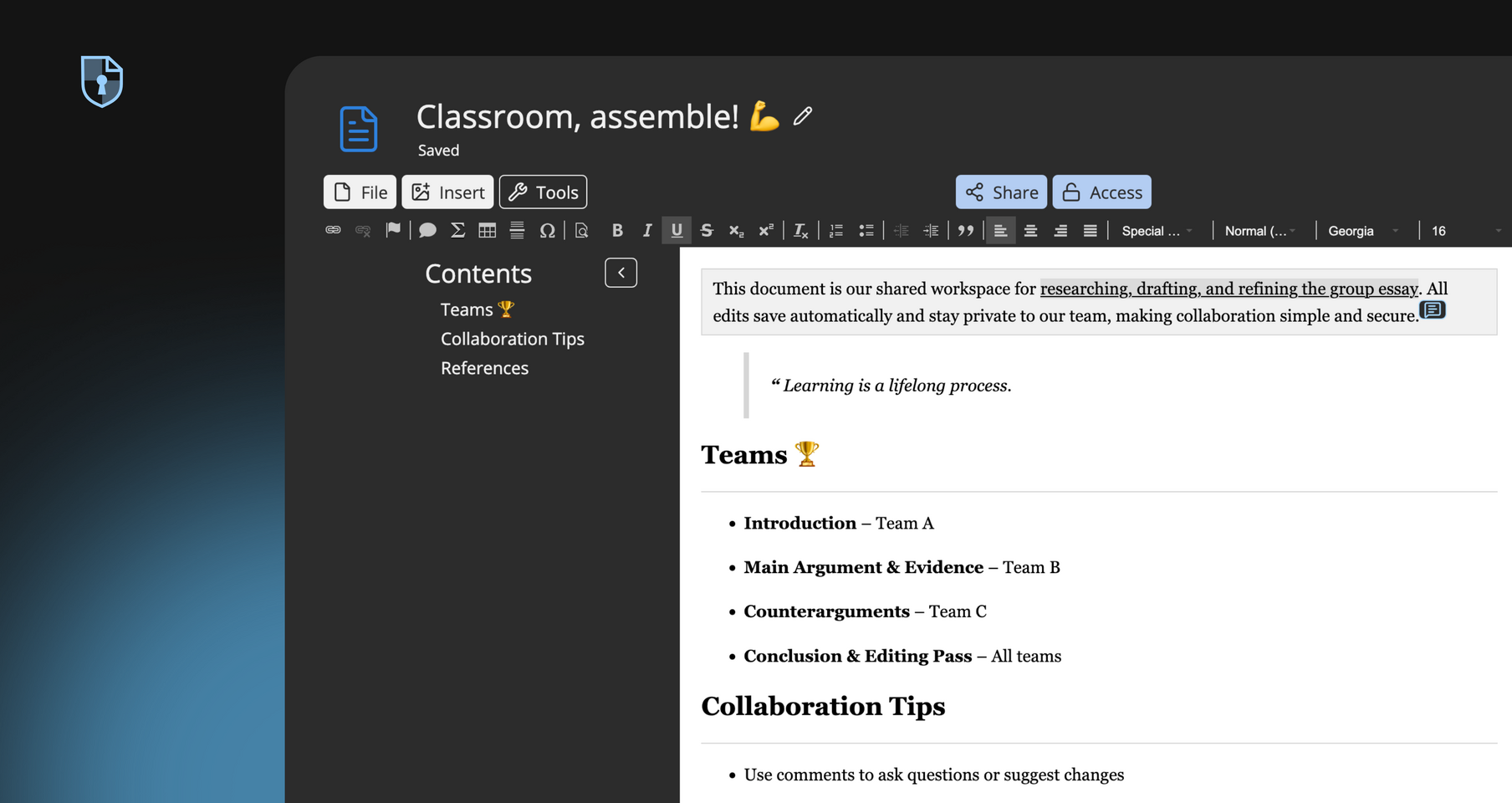
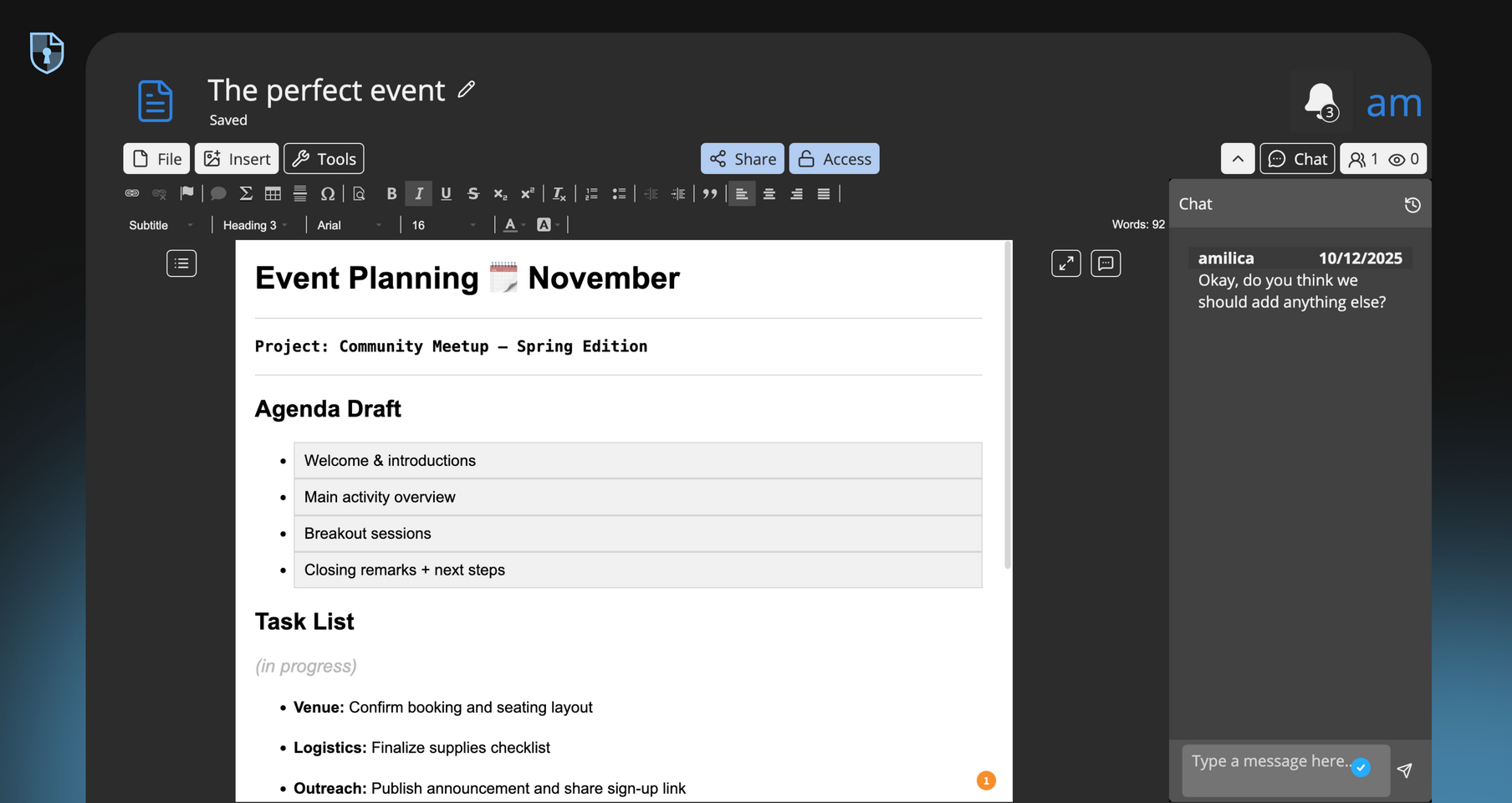
CryptPad Rich Text stands out as a web rich text editor because it merges powerful online editing with secure online collaboration.
Try Rich TextEasily export to HTML and .docx, Rich Text is a lightweight app that could actually play the big office leagues.
Easily insert images or other media from CryptDrive, or upload files directly into the document. Add tables, bullet points, and code blocks to enrich your document.
Built on CKEditor, Rich Text offers a familiar editing toolbar for styling content into headings, lists, blockquotes, and formatting with a click or keyboard shortcut.
To enhance the basic editor features, two additional views are available: outline to navigate between sections, and comments for async collaboration
You can easily share documents via secure links (with optional password protection), without needing to sign up or provide any personal details.
CryptPad Rich Text supports real-time commenting, letting your team discuss edits and provide feedback directly in the document.
Track changes and revert to previous versions as needed, ensuring content integrity.
Share files via encrypted links with configurable permissions (view or edit). Your documents are encrypted on your device and seen only by people you collaborate with.
Distributed teams can draft project plans, reports, or handbooks together in real time. A product roadmap or technical spec stays private yet jointly editable, similar to Google Docs, but with encryption.
Document meeting agendas, minutes, and action items collaboratively. CryptPad Rich Text ensures that all participants can contribute in real time, keeping everyone aligned and informed.
Writers and marketers can outline blog posts, press releases, or newsletters using rich formatting. Embed images and style text to draft content on the fly, then export to DOC or PDF when ready for publishing.
Create comprehensive business reports, proposals, and strategic documents. The web-based rich text editor offers tools for structured formatting, tables, and charts, enabling teams to present data and insights effectively.
Subscribe for more space and bigger uploads while your drafts stay encrypted by default.
Subscribe on cryptpad.frAs a web-based rich text editor, Rich Text runs directly in your browser. At the core of this rich text application is CKeditor, meaning you get a familiar editing experience. The formatting toolbar includes all the essentials: headings, bold, italic, bullet lists, links, and image insertion. Document structure is made easy with the automatic outline feature, which creates a clickable table of contents in a collapsible sidebar. You can open a document, share the link with teammates, and everyone edits together in real time. In practice, you get the same rich web editing experience as Google Docs, but without data collection or ads.
We asked users what they love about Rich Text
It's open-source, it has a range of applications, not only rich-text documents, spreadsheets and forms but also some more uncommon and very useful ones, like kanban boards, markdown slides, whiteboards and code documents with syntax highlighting. On top of that, everything is encrypted on the client side.
Ângelo
Besides encryption, I appreciate excellent user interface - intuitive, responsive, customizable. Folders tree in the left pane. Rich text editor (really rich and classic). My personal favorite: automatic outline, forming clickable table of contents in the left pane, which can be shown/hidden by a "hamburger" button, perfect for mobile. I also like the simple calendar, colorful tags, monday-starting weeks, monthly view. Other types of files look even more interesting. Haven't tried yet, but: wow!
Svetlana Krstic
Multiple ways to work with text. I appreciate the html. I use the rich text editor most of time and appreciate the lay out and tools available. It automatically saves. The downloaded file is accurate. It is secure. There is a goodly amount of storage.
Len
CryptPad is my stop solution for its rich text editor, being able to share online and that too without ever logging in. Its so easy to share docs, be it sheets, or docs or codes or presentation or markdown. It just works out of the box and one of my most important daily tools to improve productivity.
Niket Agrawal
Cryptpad is perfect as an easily accessible collaboration tool which provides rich editing options and is secure at the same time. I'm using it whenever password protection is needed for frequently revisited documents.
Georg von Rechenberg - Project digital youth participation in Mecklenburg-Vorpommern, Germany
Other apps:
Code/Markdown Diagram Document Form Kanban Presentation Sheet